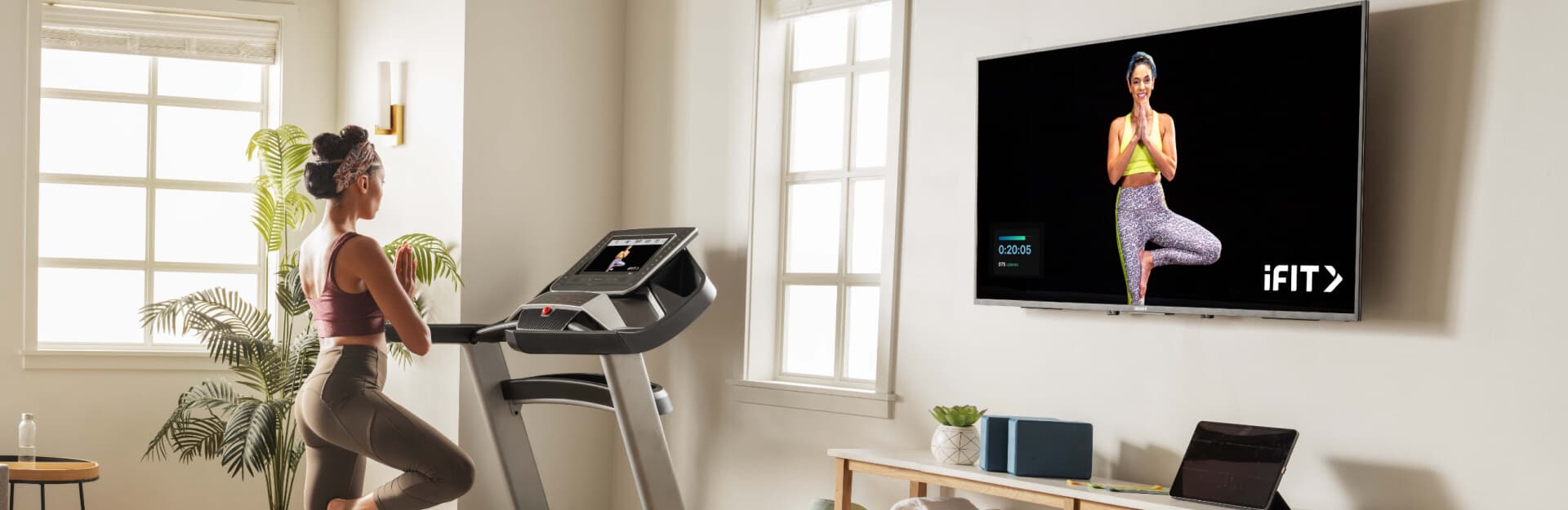
iFIT TV App Enhancements: Music Stations and Closed Captioning!
This year, we introduced a variety of music stations and closed captioning to iFIT-enabled equipment. Now, we’re bringing these new enhancements to the iFIT TV app!*
On the TV app, you can choose the music you want to listen to while you work out. Maybe some days you’re in the mood for pop throwbacks, and others, you want classic rock tunes. We’ve also integrated closed captioning into our TV app. If you need or prefer closed captioning, you can easily toggle this feature on to follow along with your iFIT Trainer. Below is more information about these new features and steps on how to use them.
*Note: Music stations and closed captioning are available on the iFIT TV app on Apple TV, Fire TV, and Google/Android TV. These features are NOT available on Roku at this time.
Music stations
You now have the ability to select and change music stations on the iFIT TV app. You can also adjust the music and trainer volume to create a personalized workout experience. Here are a couple other music features:
- Skip up to 6 songs within an hour.
- Toggle music on and off in the Music Options menu.
How to experience music on the iFIT TV app:
- Start any workout. A music station will play by default after the workout intro is complete.
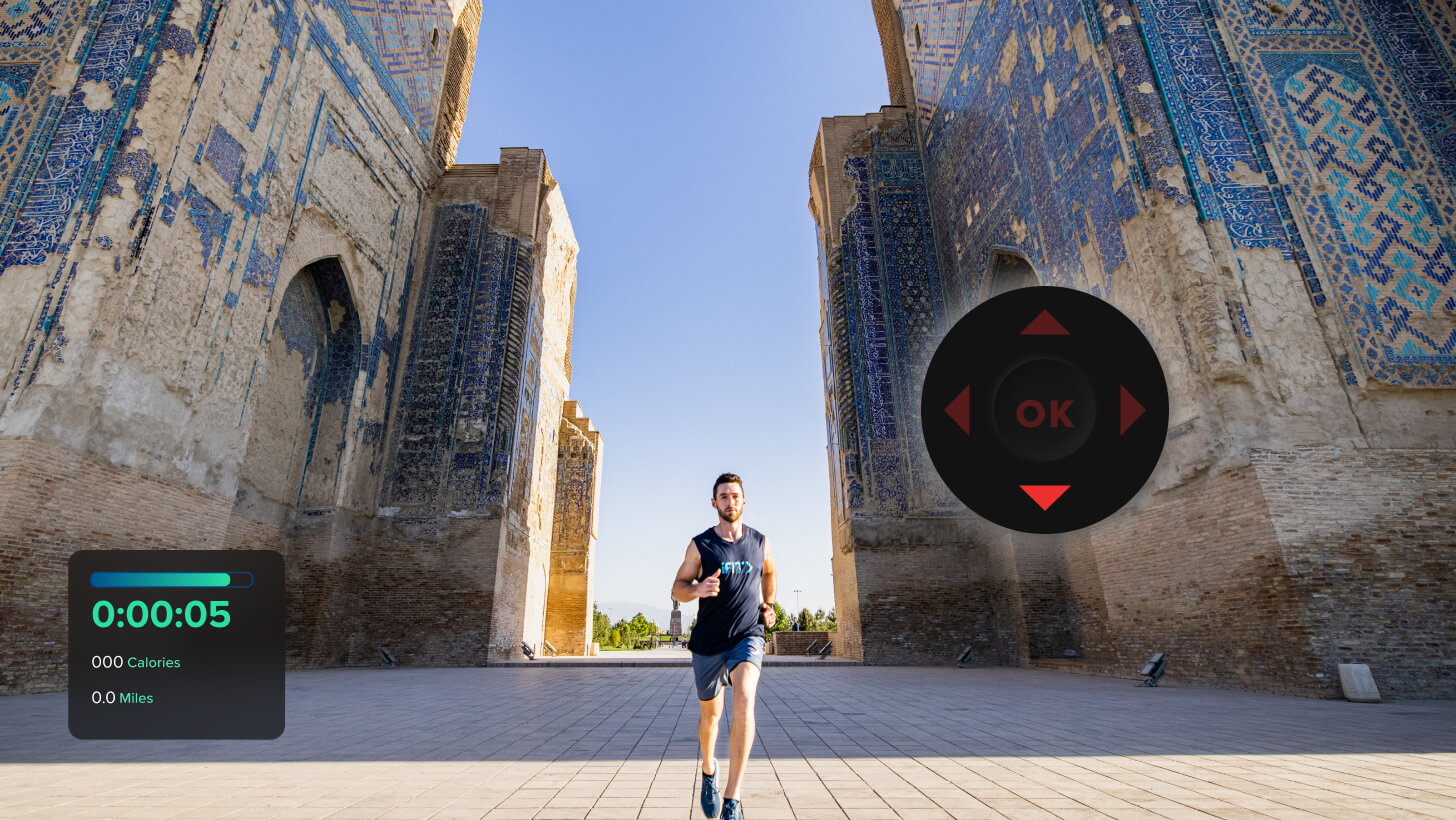
- Swipe or press down on your streaming device’s remote.
- Select Audio Options to access the Music menu. Adjust as desired.
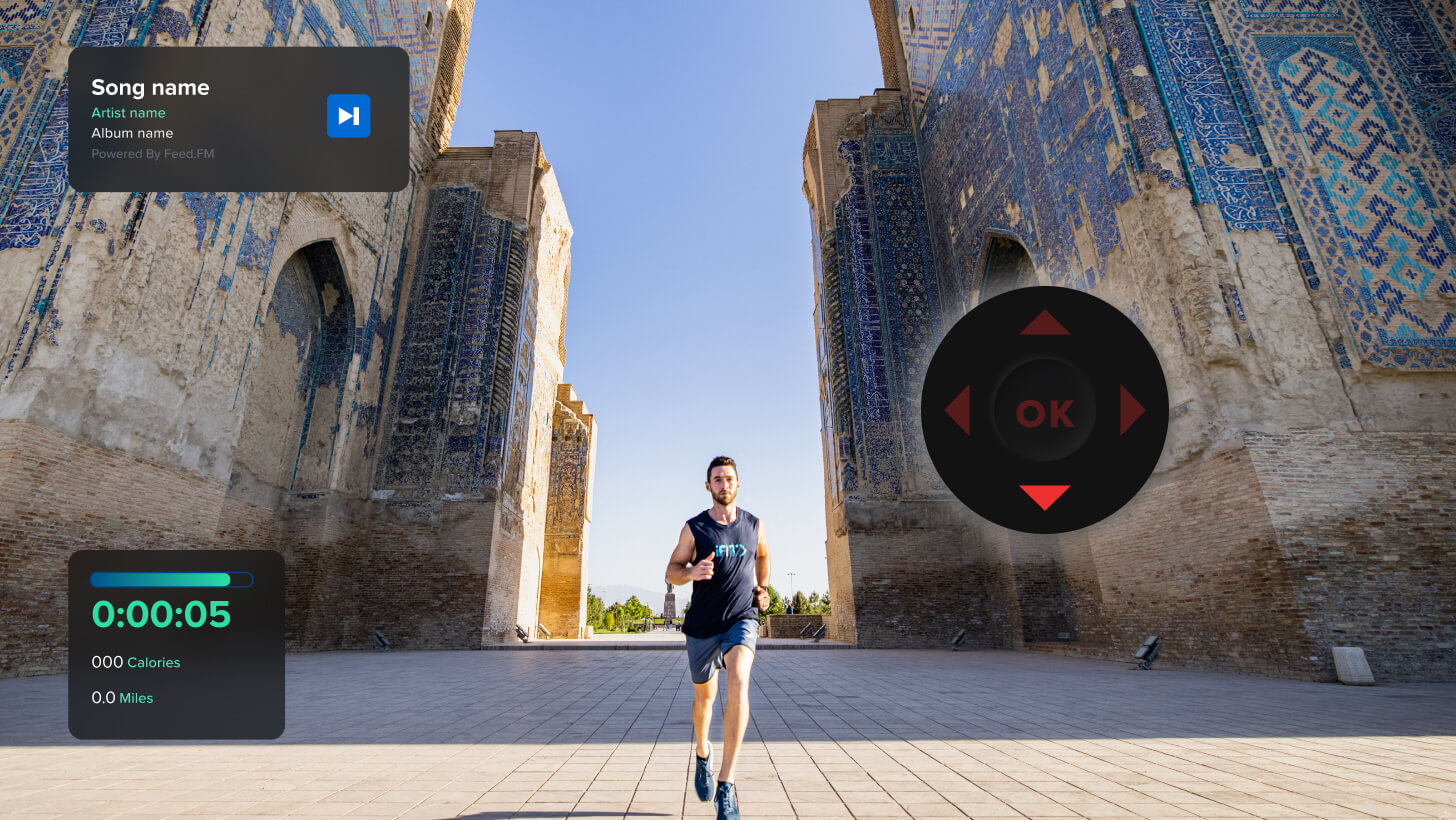
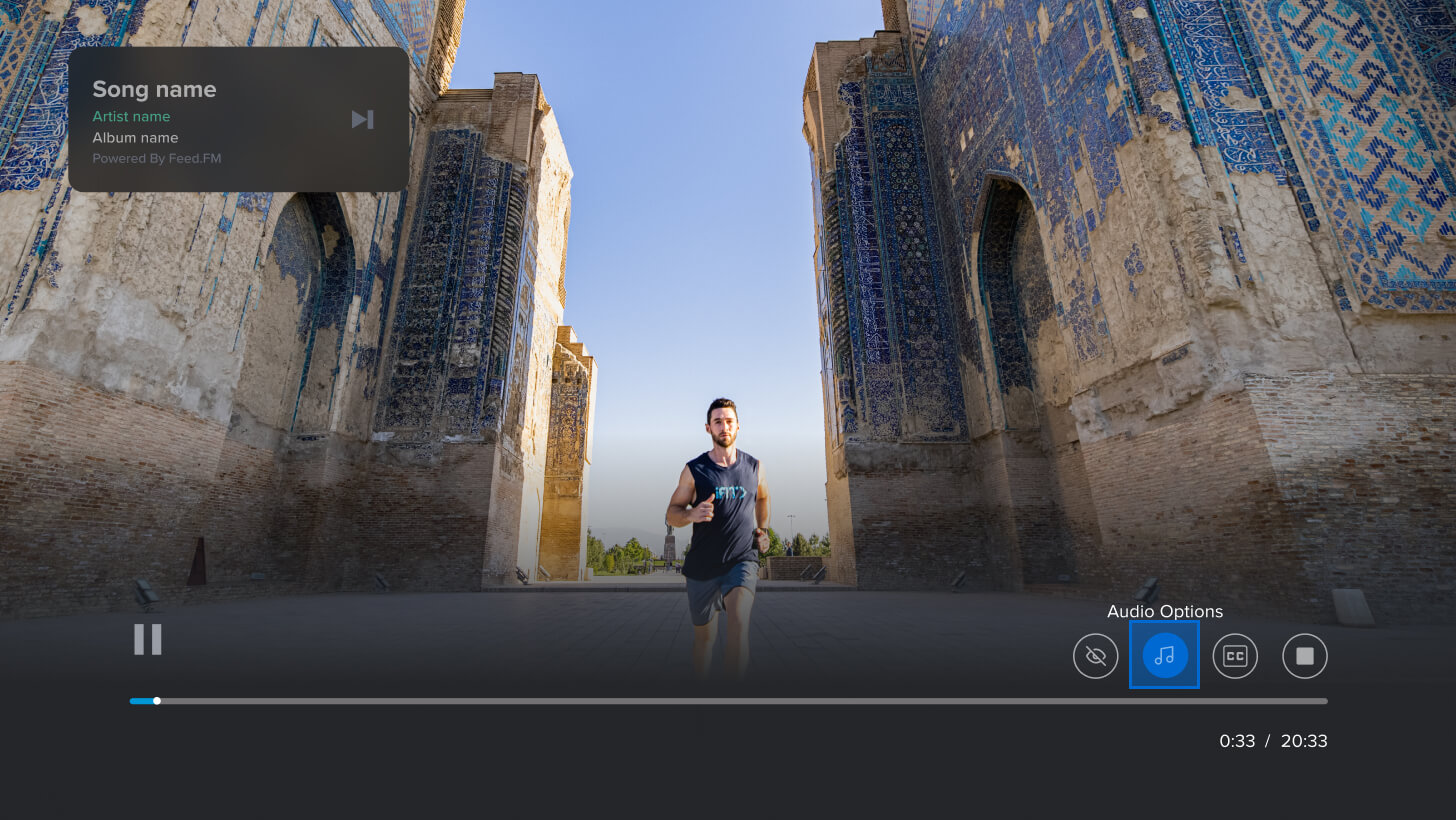
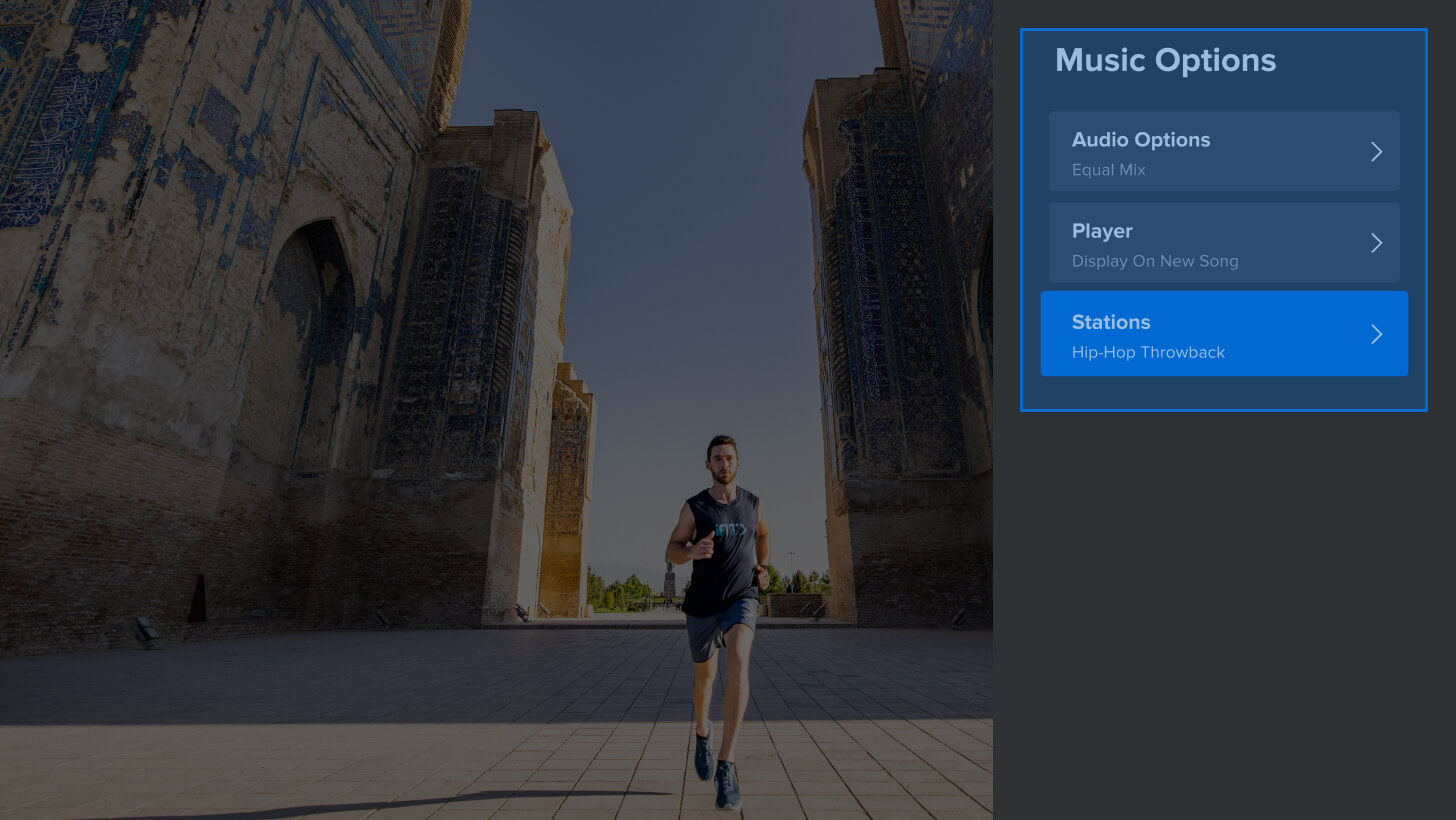
Music stations featured on the iFIT TV app:
- Downtempo Yoga
- Pop Throwback
- Hip Hop Throwback
- Classic Rock
- Dance/EDM
- Pop
- Rock
- 80s Pop
- Country
- Pop Remixes
- Top 40
Closed captioning
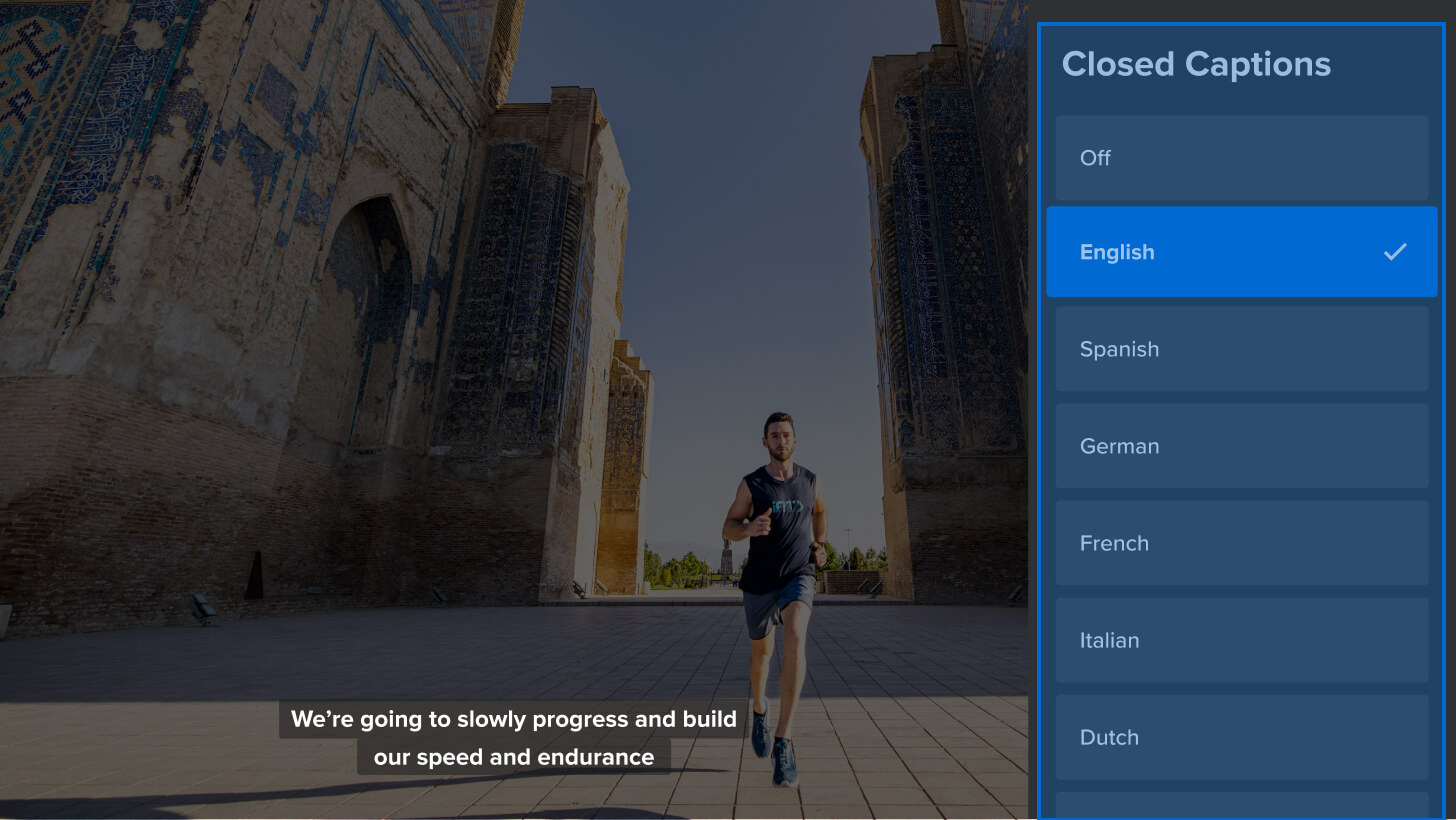
If you need or enjoy closed captioning, you can toggle it on for all of your iFIT workouts. Featuring a range of different languages, the closed captioning menu helps make iFIT a more accessible, user-friendly platform!
How to turn on closed captioning on the iFIT TV app:
- Start any workout.
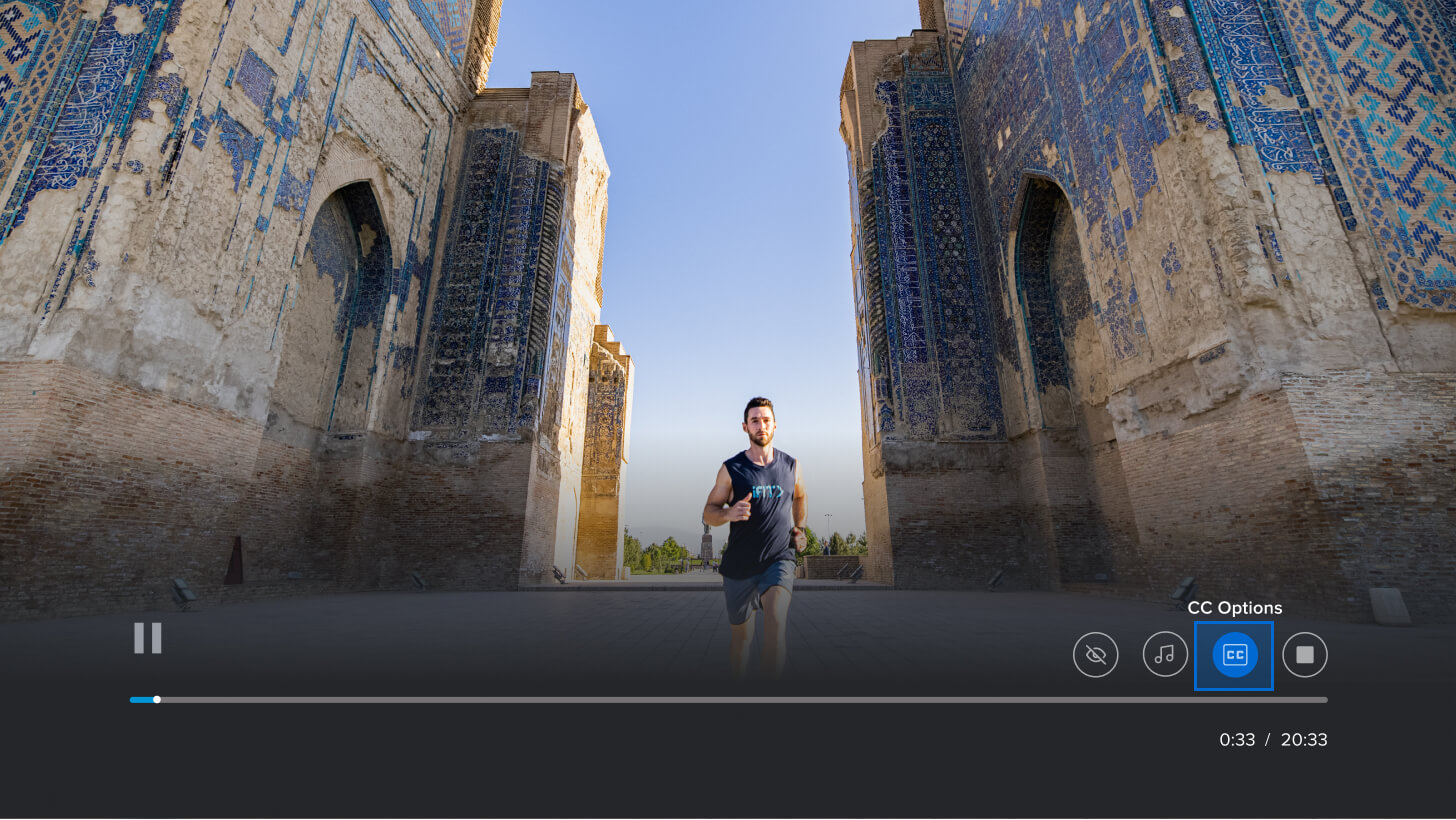
- Swipe or press down on your streaming device’s remote.
- Select CC Options, then select a language for your closed captioning.
Disclaimer: This blog post is not intended to replace the advice of a medical professional. The above information should not be used to diagnose, treat, or prevent any disease or medical condition. Please consult your doctor before making any changes to your diet, sleep methods, daily activity, or fitness routine. iFIT assumes no responsibility for any personal injury or damage sustained by any recommendations, opinions, or advice given in this article. Always follow the safety precautions included in the owner’s manual of your fitness equipment.